Checking every translation before it’s written
Placeholders, markup tags, every CLDR plural form and ICU syntax: what localize.dev checks in each machine translation, and what happens to one that fails.
Stephen Ufort · November 3, 2026 · 3 min read
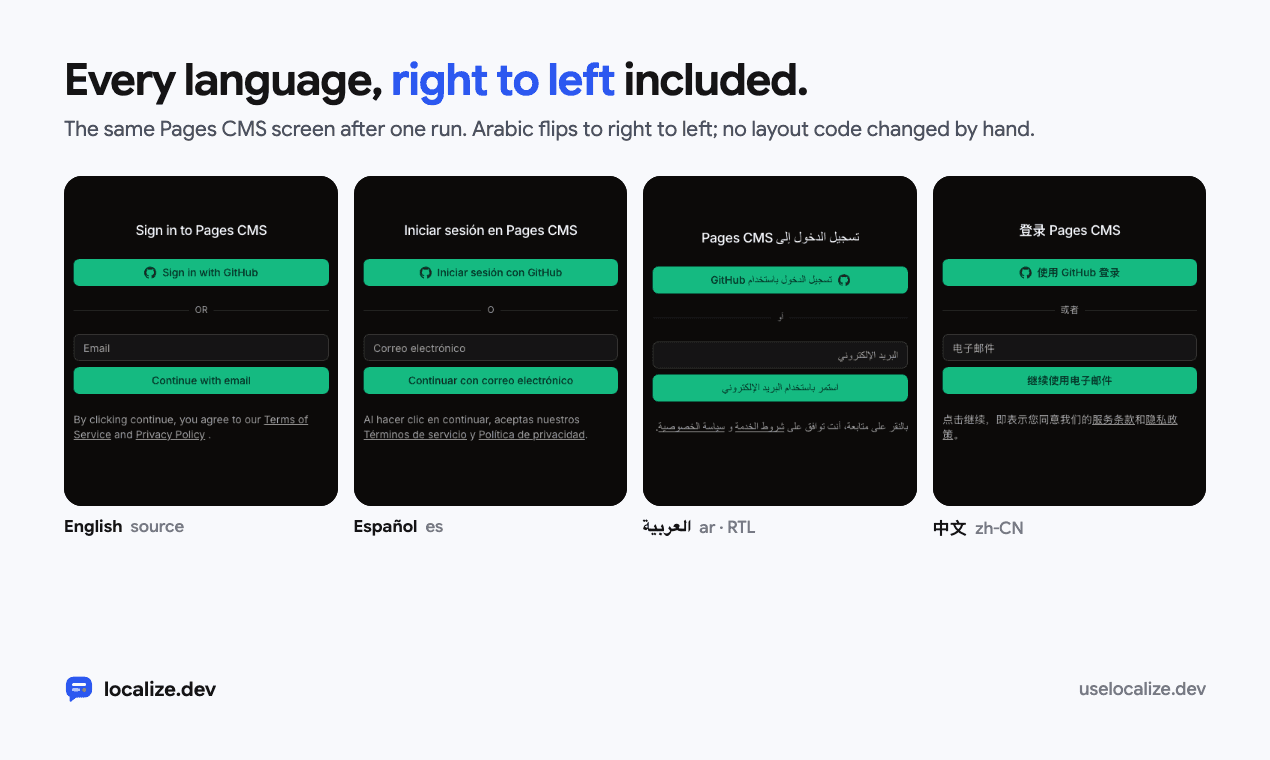
Machine translation fails in ways a reviewer often misses. A placeholder gets translated, so {name} turns into {nombre} and the app shows the braces. A plural comes back with two forms for a language that needs four. A stray brace slips into a Persian sentence, and the i18n library throws when it tries to render it.
localize.dev checks every translation against its source before writing it to a locale file. This post goes through each check, using cases from the test suite.
Placeholders: none added, none lost
Every {placeholder} in the source has to be in the translation, unchanged, and the translation can’t add one the source doesn’t have. The checker reports exactly what went wrong:
translationProblem('Hi {name}', 'Hola', 'es', opts);
// → 'it lost {name}'

translationProblem('Hi {name}', 'Hola {nombre}', 'es', opts);
// → "it has {nombre}, which the source doesn't"
There is one exception. In a plural message, the one form may leave out {count}, because many languages say “one file” as a word instead of “1 file”.
Every plural form the language needs
English has two plural forms, one and other. Polish has four, Arabic has six, and Japanese has one. Which forms a language needs comes from Intl.PluralRules, the CLDR data built into JavaScript, so it’s never a hand-kept list.
const source = { one: '{count} file', other: '{count} files' };

translationProblem(source, { one: '{count} plik', other: '{count} pliku' }, 'pl', opts);
// → 'no "few", "many" form'

translationProblem(source, { other: '{count}個のファイル' }, 'ja', opts);
// → null (Japanese needs only "other")
When the source has an exact =0 form (“No files”), every translation needs one too. A plural that comes back as plain text, or plain text that comes back as a plural, is rejected as the wrong shape.
Markup tags and stray braces
Sentences with links or bold text are sent with tags such as <a>help center</a>. The translation can move the tags to fit its word order, but it has to keep the same set. A translation with more unmatched braces than its source is rejected, which catches the Persian case from the test suite before any library has to render it.
ICU messages have to parse
Svelte apps and Flutter’s ARB files use ICU message syntax. There a translation also has to parse as ICU. ICU has a trap of its own: an apostrophe quotes the text after it, so in French d'{name} would show the literal text {name} instead of the value. localize.dev doubles apostrophes before braces before it checks, then checks that every placeholder the translation should have is still a real argument.
What happens when a translation fails
- The failing language is dropped for that string, and the cached translation is forgotten.
- The string is sent again with the reason added to its context, for example “A previous translation was rejected: it lost {name}”.
- If the second answer fails too, the translation is left out. The run reports it, and the pull request lists it under “Translations left out”.
Nothing broken gets written. A missing translation is visible: the app falls back to the source language for that string, and localize-dev check reports the gap until it’s filled. A broken one can reach production unnoticed.
What the checks can’t tell you
These checks catch translations that would break your app. They can’t tell whether a translation is good. For that, localize.dev lets you assign a reviewer per language. Their corrections go into the open pull request and every later run, and a glossary keeps product terms the same everywhere.
Try it on your own code in the playground, no account needed